Compare city times.
Choose digital clocks or an analog face. Move one slider to change the time across every city.
 TimeSlider
WORLD CLOCKS & MEETING PLANNER
Check the time in different cities. Move the slider to see what an earlier or later call would look like for everyone.
Try the demoThree clocks are free. Pro adds groups and meeting planning.
See what else it can doTRY IT HERE
Choose a device, then move the time slider.
Open TimeSlider from the menu bar or system tray, or keep it open in a desktop window.
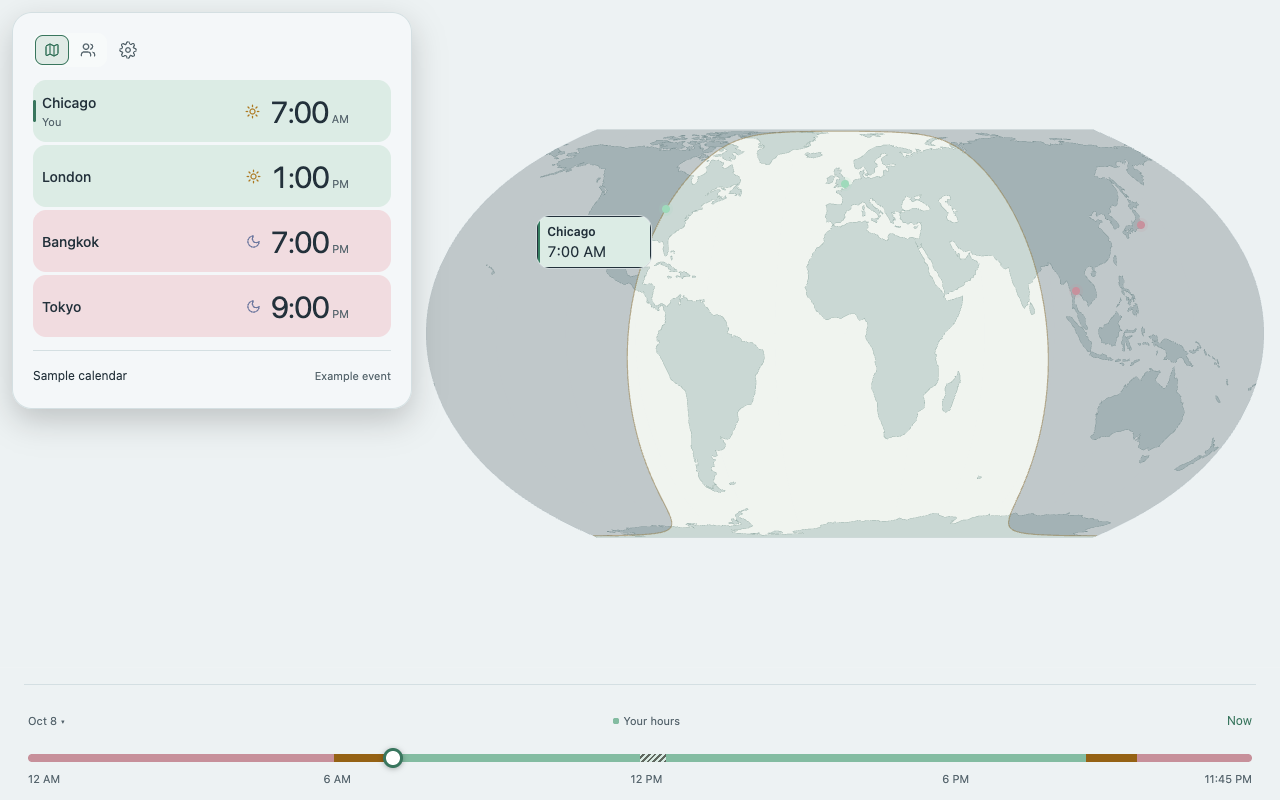
Pro demo with sample people and calendar data. Drag the map or timeline. Sample details cannot be edited or saved. Apps are in development.
WHAT IT DOES
See local times side by side, then compare the hours people are available.
Choose digital clocks or an analog face. Move one slider to change the time across every city.
Set each person’s available hours. Pro suggests meeting times and shows who would need to start early or finish late.
Clock widgets are free on Mac, iPhone and Android. Colors show available hours. Pro adds map widgets and names; Mac also gets a shared analog face.
Search cities and compare times without an internet connection.
Pro can show events from your device calendar on supported platforms, with your permission.
Choose cities and colors, then add live clocks to your stream or download them for offline use. Try the stream widget ↗
PRO · PEOPLE & GROUPS
Put a name on each clock. Save separate groups for work, family or friends, and switch between them.
Pro includes unlimited clocks. See the full feature list and planned prices below.
MORE USES
Try a phone or tablet layout, build stream clocks, or connect an AI assistant.

Keep world clocks open on a spare phone or tablet. Try the portrait and landscape layouts.
Try phone & tablet layouts
Add up to three live clocks to your OBS scene with a browser-source URL or an offline HTML file.
Shows current time. Testing in broadcast apps is still in progress.
Build your stream clocks“Compare London and Bangkok.”
“Find shared hours for my group.”
Example requestsLet a compatible assistant compare time zones and use your saved desktop clocks and available hours.
Requires local setup and your permission. Planning features depend on your app plan.
View setup instructionsDEVICES
Browse the previews and setup guides. All apps are still in development.
 Development app
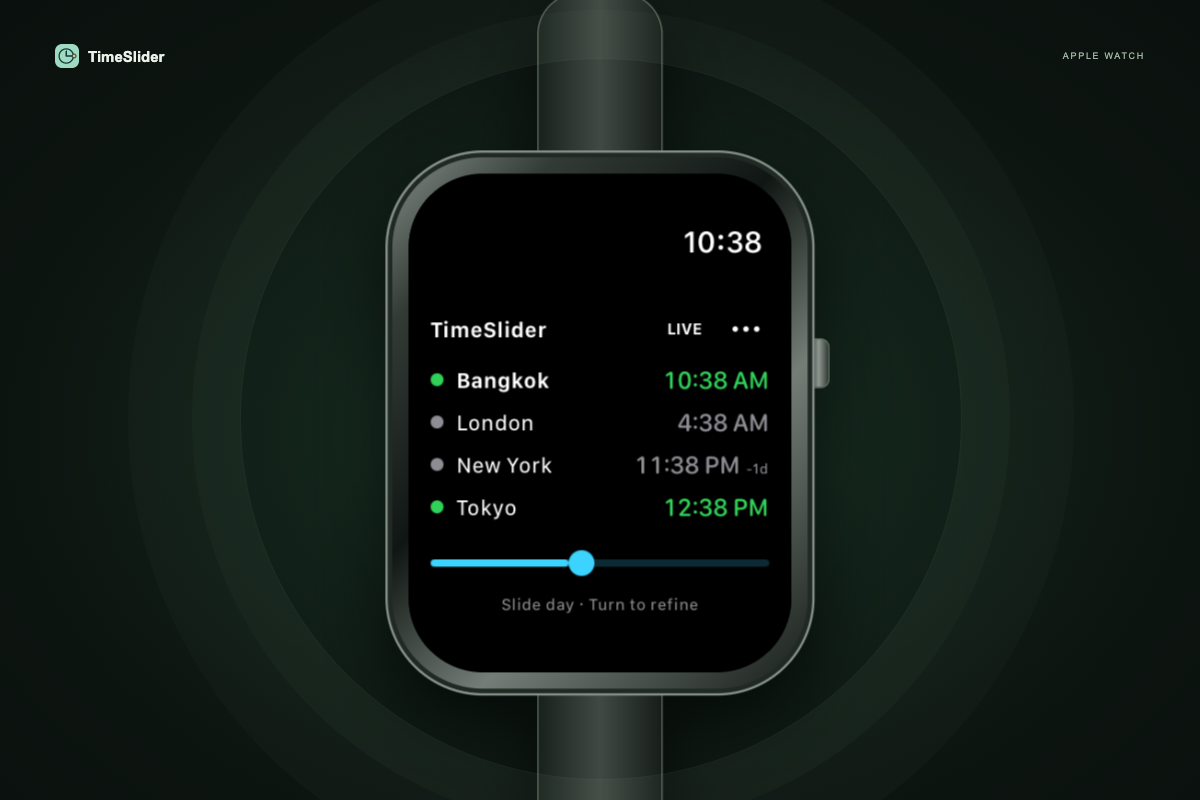
Four clocks and one timeline. Slide across the day, turn the Crown faster to cross hours, and slow down to refine the time.
Setup & availability Development app
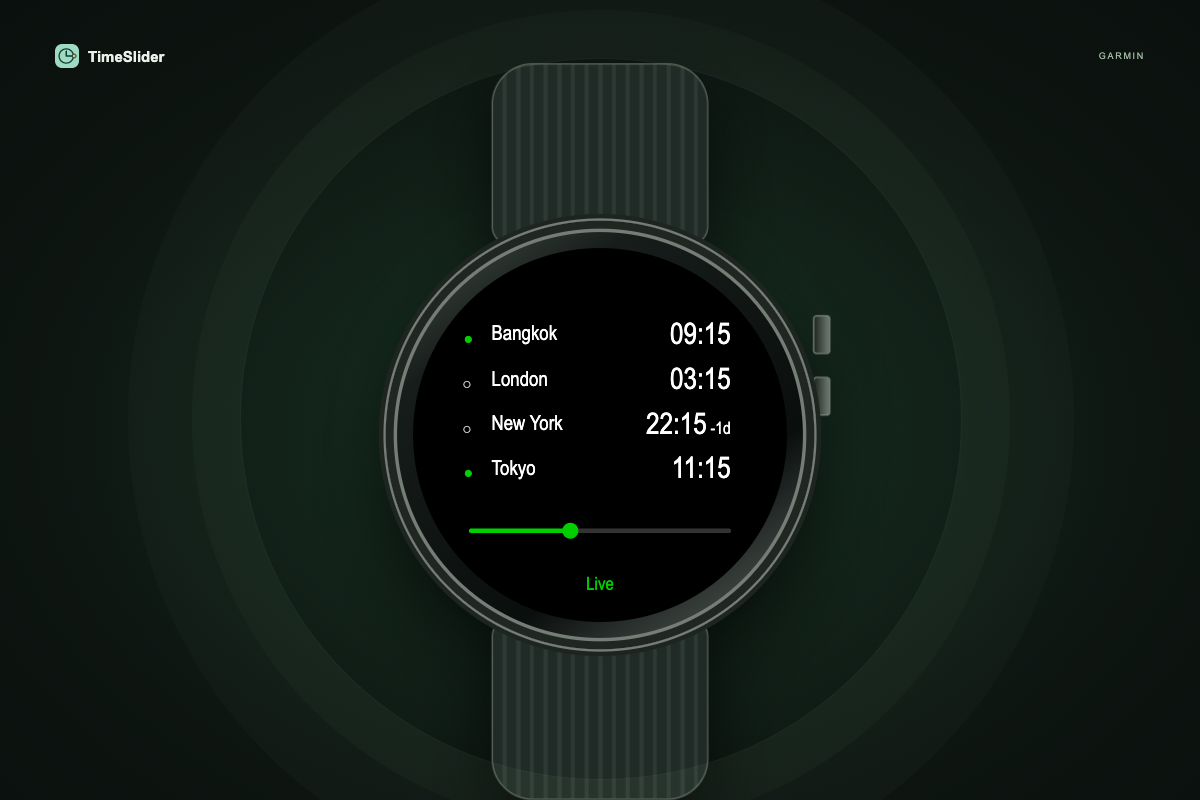
Four clocks and one full-day timeline. Drag on touch models or hold supported directional buttons to move faster, then release to refine.
Setup & availability Development app
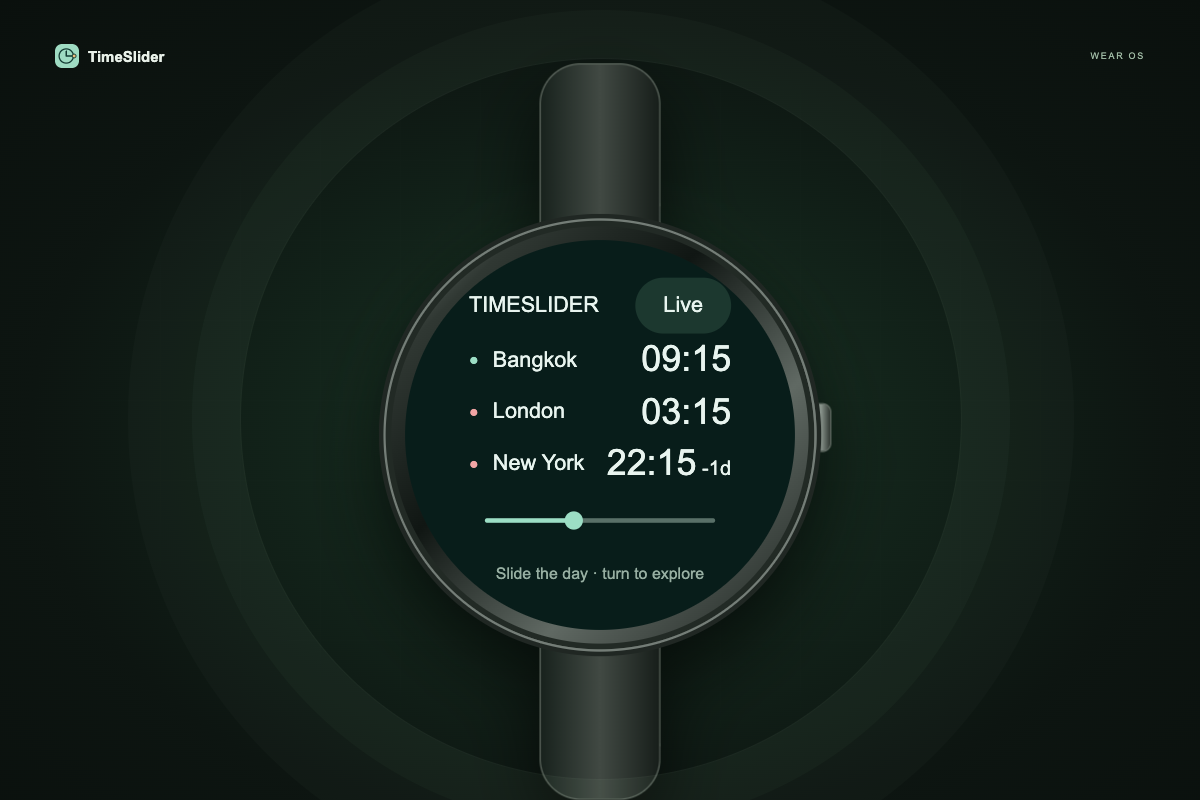
Three clocks and one full-day slider. Turn a supported crown or bezel faster to cross hours, then slow down for precise adjustments.
Setup & availability Development companion
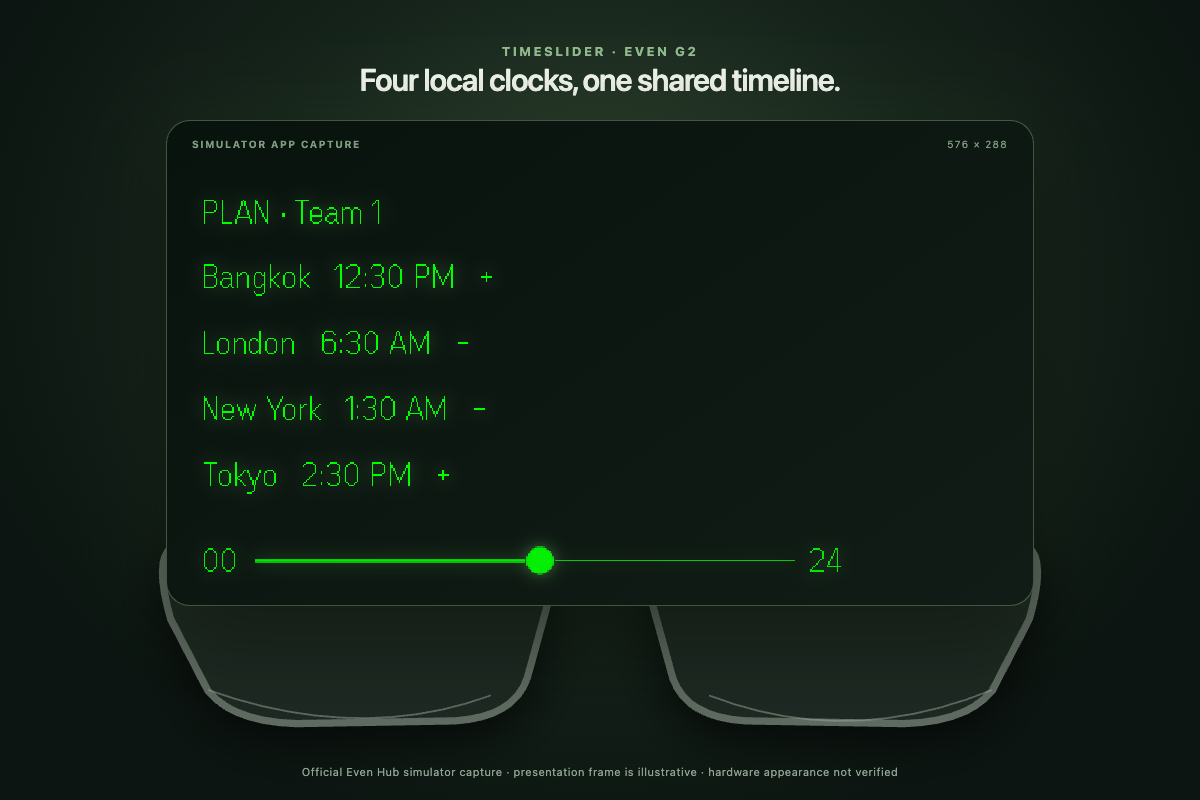
Your group’s clocks on a minimal green display. Swipe repeatedly to move faster, pause to refine, and find a shared meeting time.
Setup & availability Development web app
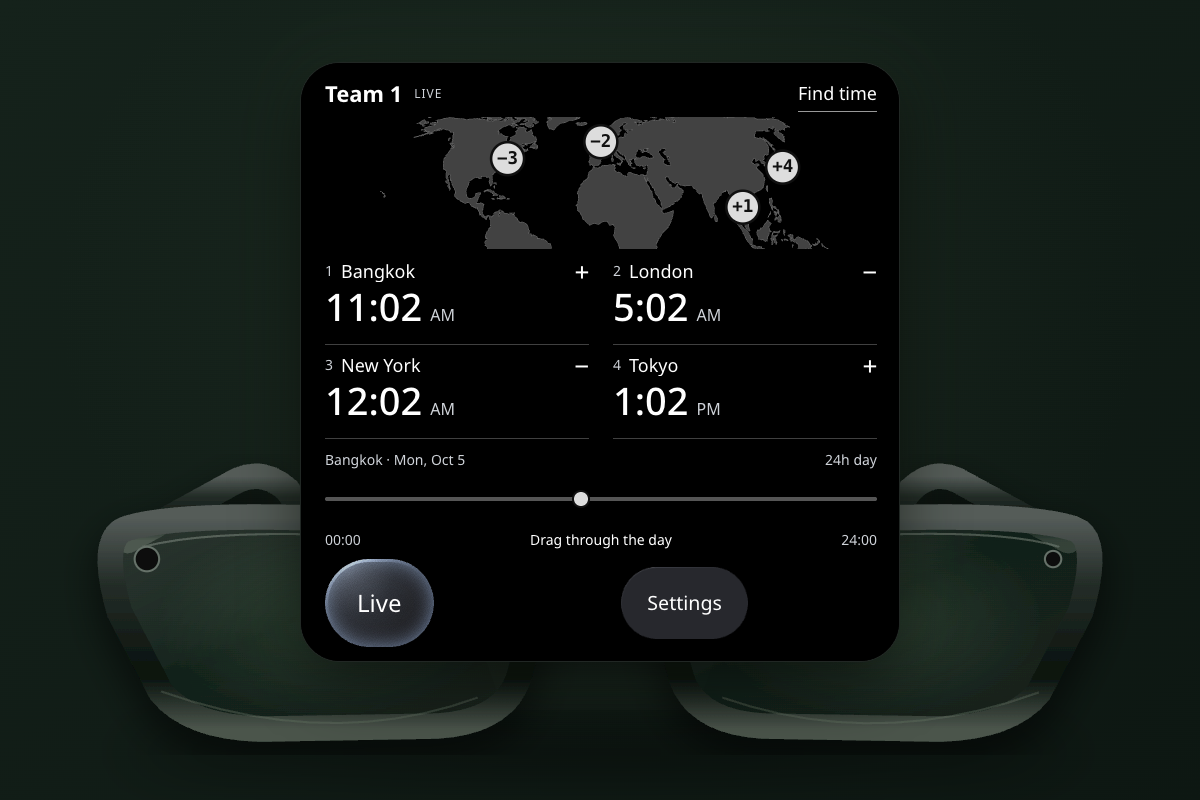
Your group’s clocks, a horizontal map and one full-day timeline. Drag across hours, refine the time, and find a shared meeting slot.
Setup & availability Development builds
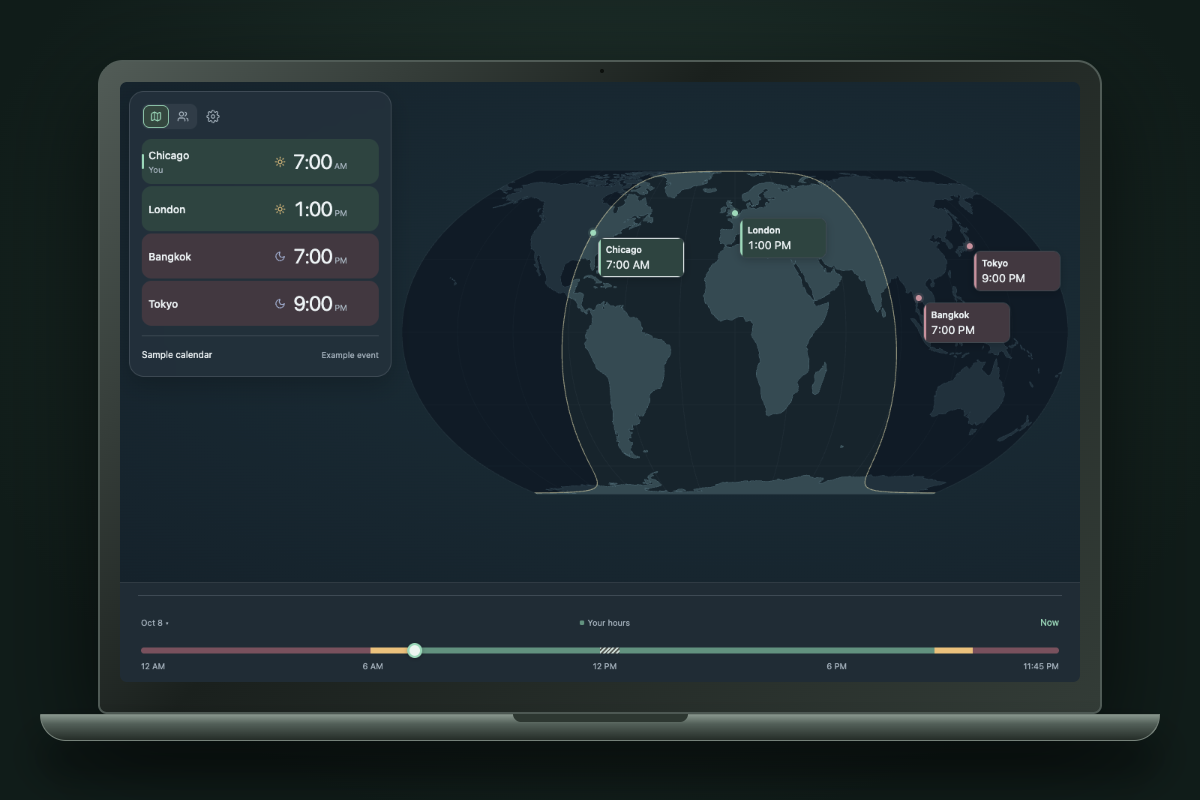
Menu-bar or tray clocks, a floating planner and offline city search. macOS also has native widgets.
Setup & availability Development builds
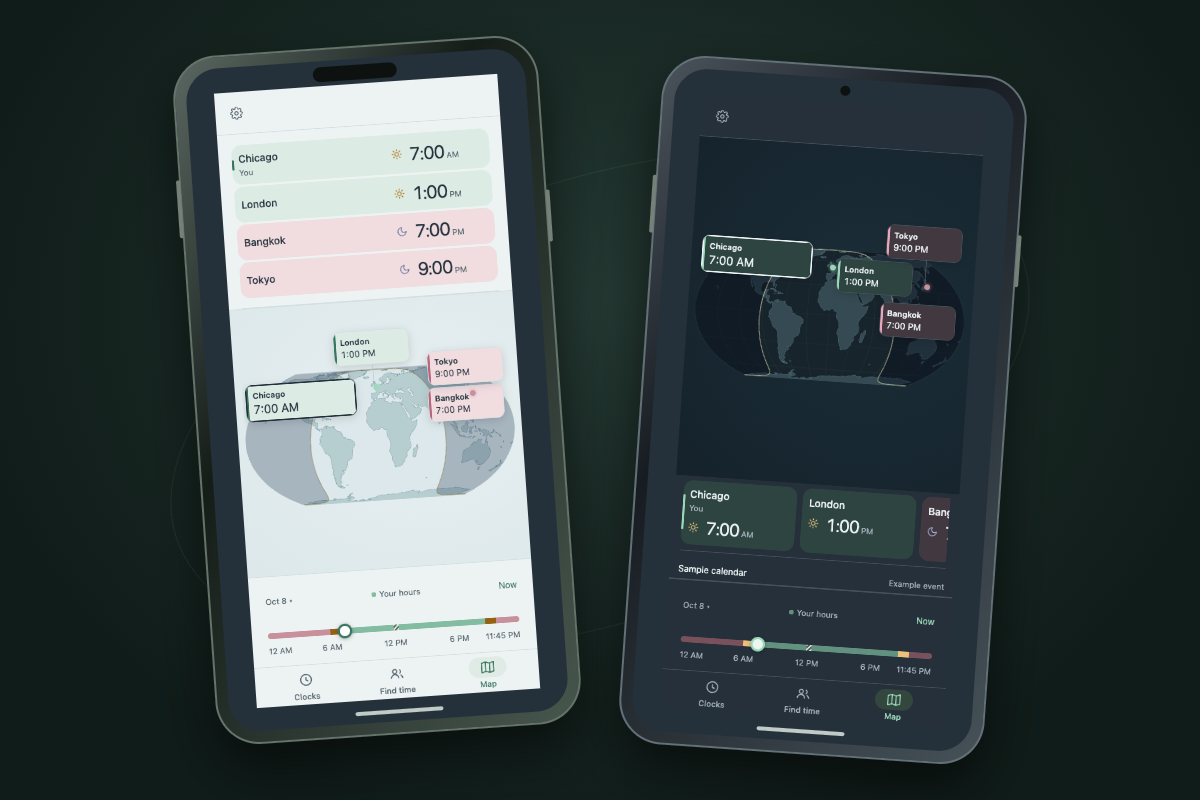
Offline clocks, map planning and optional calendar context on phones and tablets.
Setup & availabilityNo public downloads yet. Store links will appear here when the apps are ready.
Platform marks identify compatibility. The Android robot is reproduced from work created and shared by Google and used according to terms described in the Creative Commons 3.0 Attribution License.
HOWARD DONDRELL · POWERED BY TIMESLIDER
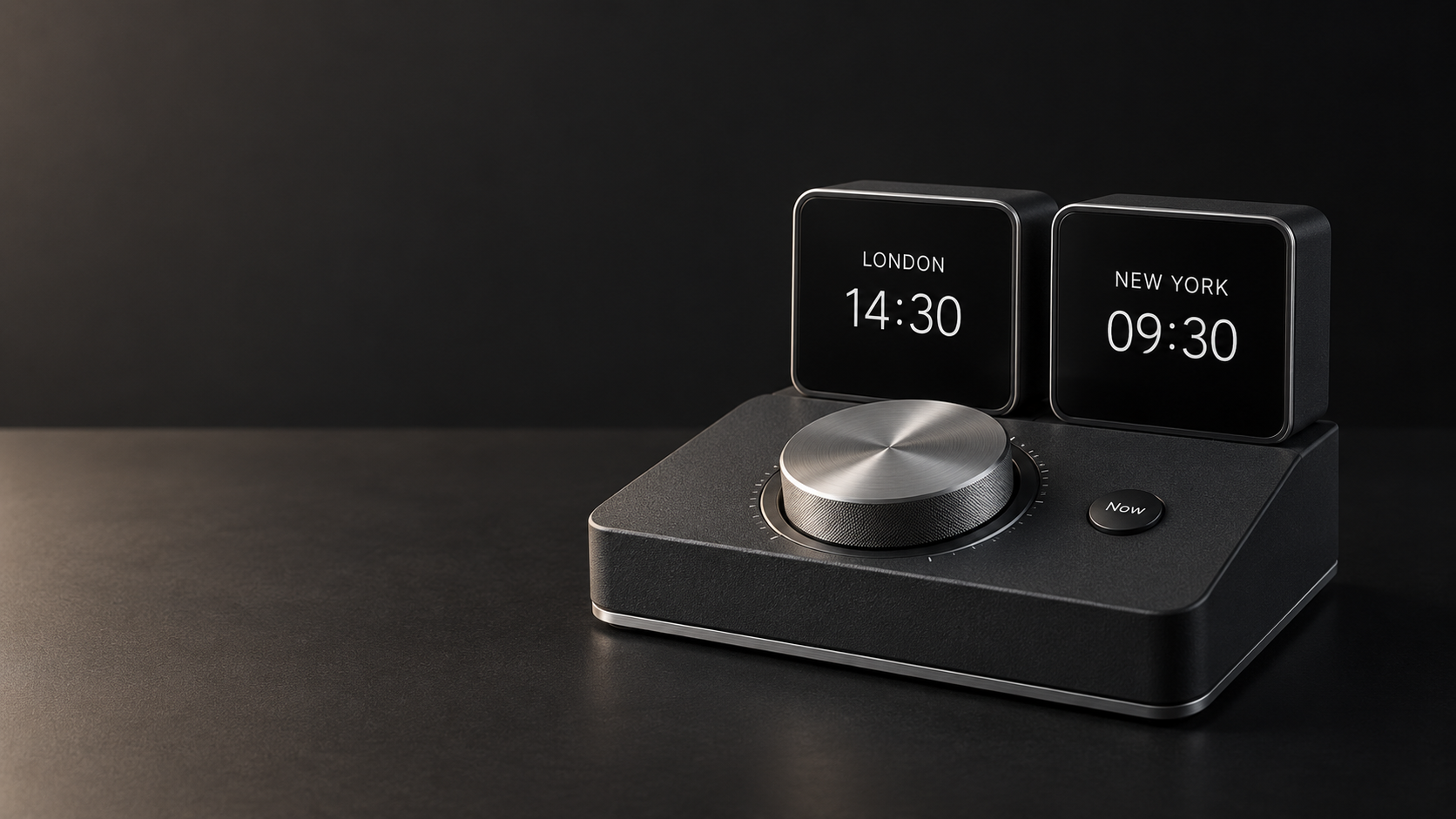
Howard Dondrell is exploring physical world clocks with dials and sliders.
View the conceptsSix concepts. Not available to order. The waitlist is not open yet.
TIMESLIDER SOFTWARE · FREE & PRO
Start with your local clock and two cities. Pro adds unlimited clocks, groups and meeting planning.
FREE
Your local clock and two saved cities.
PRO · YEARLY OR LIFETIME
Everything in Free, plus:
Not on sale yet. These are planned launch prices and may vary by store and region. This website has no checkout.
TRY TIMESLIDER
Try it in your browser. App downloads are coming later.