Your day, in perspective.
Switch between clear digital times and a shared analog face. Keep TimeSlider tucked in the menu bar, or leave the full slider open in a floating desktop window.
 TimeSlider
YOUR WORLD. ONE TIMELINE.
Find a time that feels right on both sides of the world. Slide through your day and watch everyone else’s fall into place.
Take time for a spinFree for your local time and two more clocks. Pro adds planning around your people.
Find your way to use TimeSliderTry Free with your local clock, two cities, digital or analog time, a slider, and your own hours. Pro uses fixed sample people and a clearly labeled simulated calendar event. The preview does not edit or save people, groups, or calendars.
Less time doing the math.
More time making the connection.
SMALL APP. THOUGHTFUL DETAILS.
A quiet place in your menu bar. A clock on your desktop. A clearer answer to “what time works for you?”
Switch between clear digital times and a shared analog face. Keep TimeSlider tucked in the menu bar, or leave the full slider open in a floating desktop window.
Compare availability across your group on a full-day timeline. Suggested times show who fits—and who would need an earlier start or later finish.
Basic clock widgets are free on macOS, iOS and Android, with green, amber and red available-hours colors. Pro adds a world map widget, a shared analog face on macOS, and named people. Tapping a widget opens the app.
Search a built-in city collection. Time zone comparisons don’t need a web lookup.
With your permission, view device-calendar conflicts on supported platforms alongside the selected time.
Build a live world-clock widget for your stream. Choose your cities and colors, then download it for offline use. Try the stream widget ↗
PRO · YOUR PEOPLE, TOGETHER
Save named clocks and groups for the people you make time for. A studio, a family, a project: switch the group, keep your perspective.
Pro also adds unlimited clocks, a map planner, shared-time suggestions, per-person available hours, calendar context, and Pro widgets. All platform releases remain in development.
THE SAME IDEA, IN YOUR EVERYDAY
On a screen you already own, beside your stream, or in a conversation with your agent. Start with the experience that fits your day.
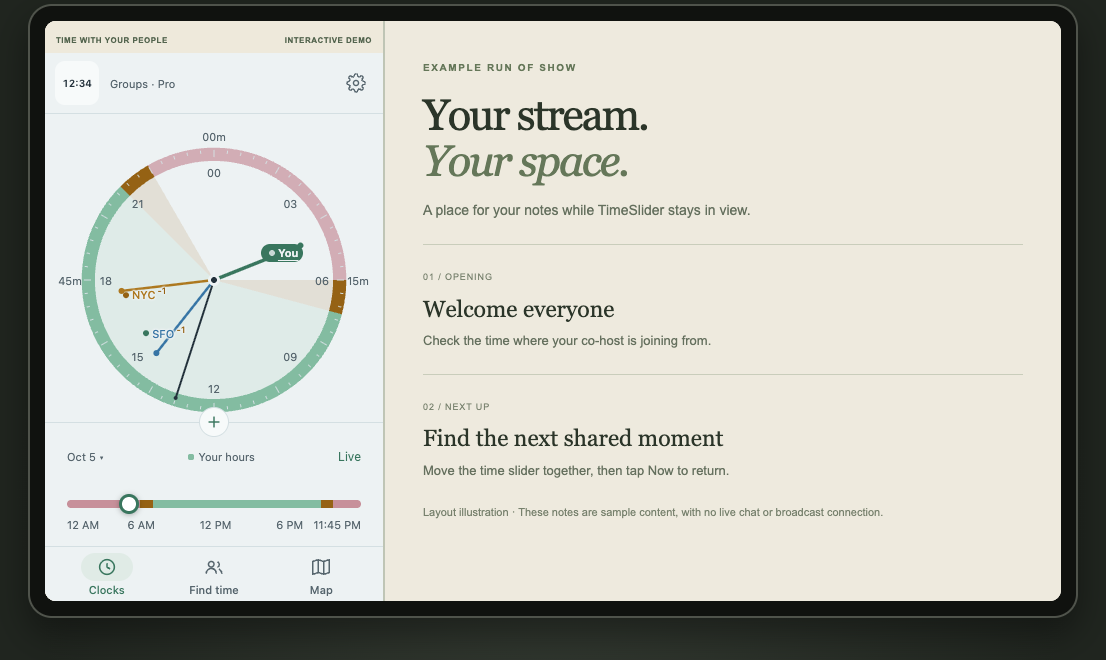
Give a spare phone a place on your desk, or keep a little time beside your tablet notes. Try the slider and Now controls in the browser.
Try phone & tablet layouts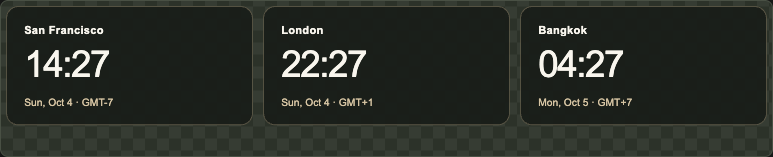
Choose up to three live clocks for your scene. Copy a browser-source URL or download the widget for offline use.
Always current time. Native broadcast checks are still in progress.
Build your stream clocks“Compare London and Bangkok.”
“Find shared hours for my group.”
Example requestsGive a compatible assistant time-zone tools. With the local desktop connection enabled, it can work with your saved clocks and available hours.
Local setup required. Desktop access is opt-in; shared-hours planning follows your app plan.
Explore agent accessYOUR WORLD, CLOSE AT HAND
Explore city times with a crown, bezel, touch slider or glasses controls. Compare the interfaces for desktop, phone, watch and glasses. Native releases and device verification are in progress.
 Development app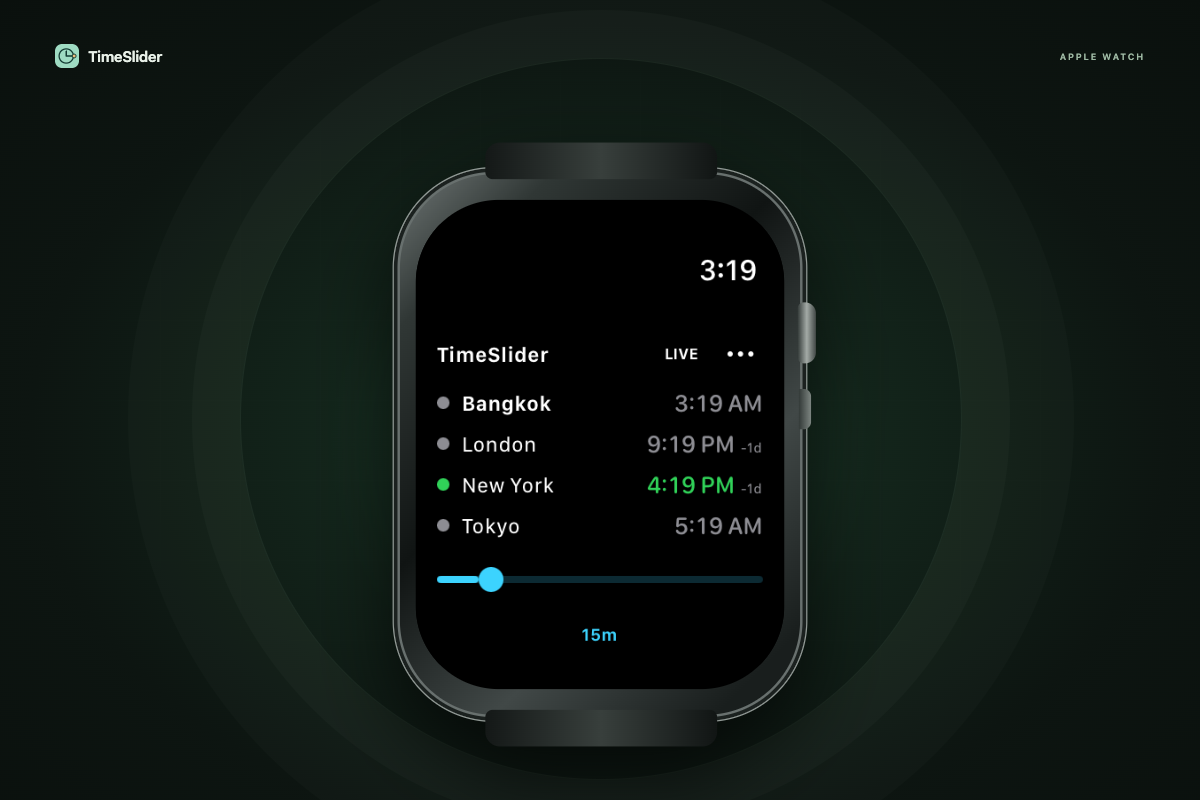
Four city clocks and one thin timeline. Turn the Digital Crown or drag in 15-minute, 30-minute or hourly steps.
Setup & availability Development app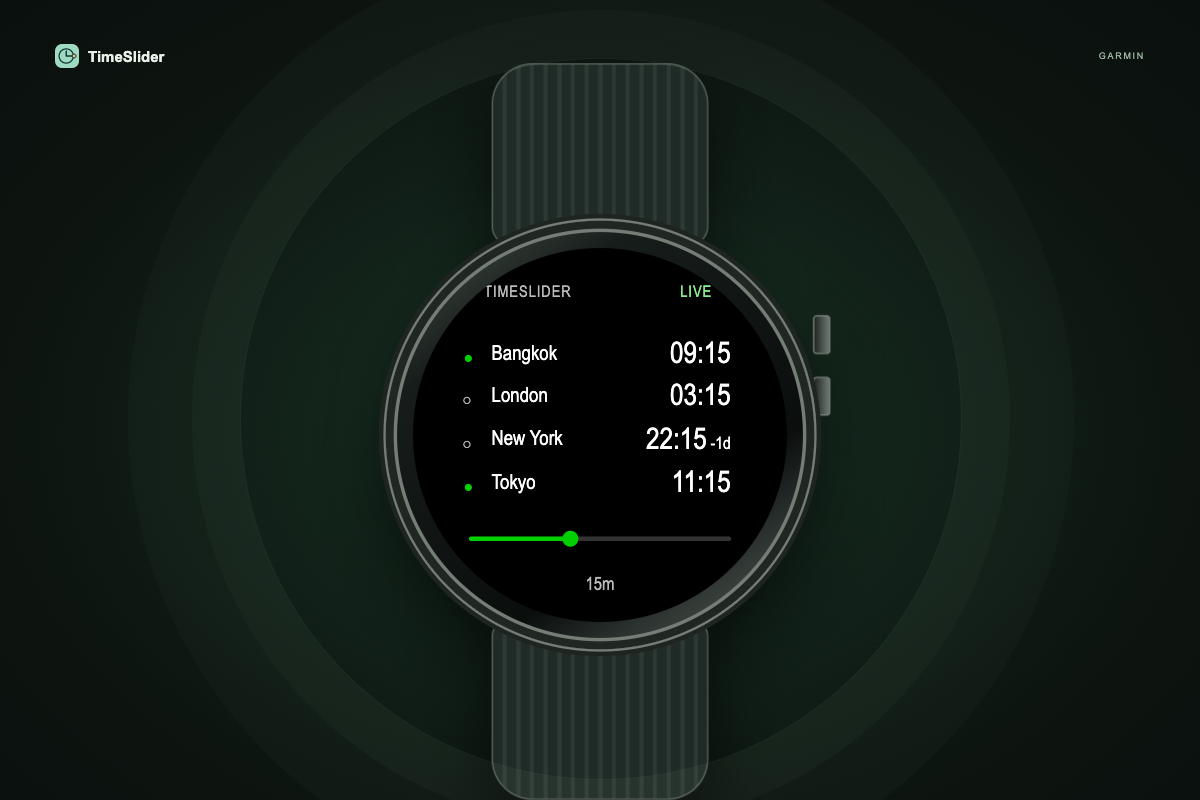
Four city clocks on one screen. Drag the timeline on touch models or scan with buttons, in 15-minute, 30-minute or hourly steps.
Setup & availability Development app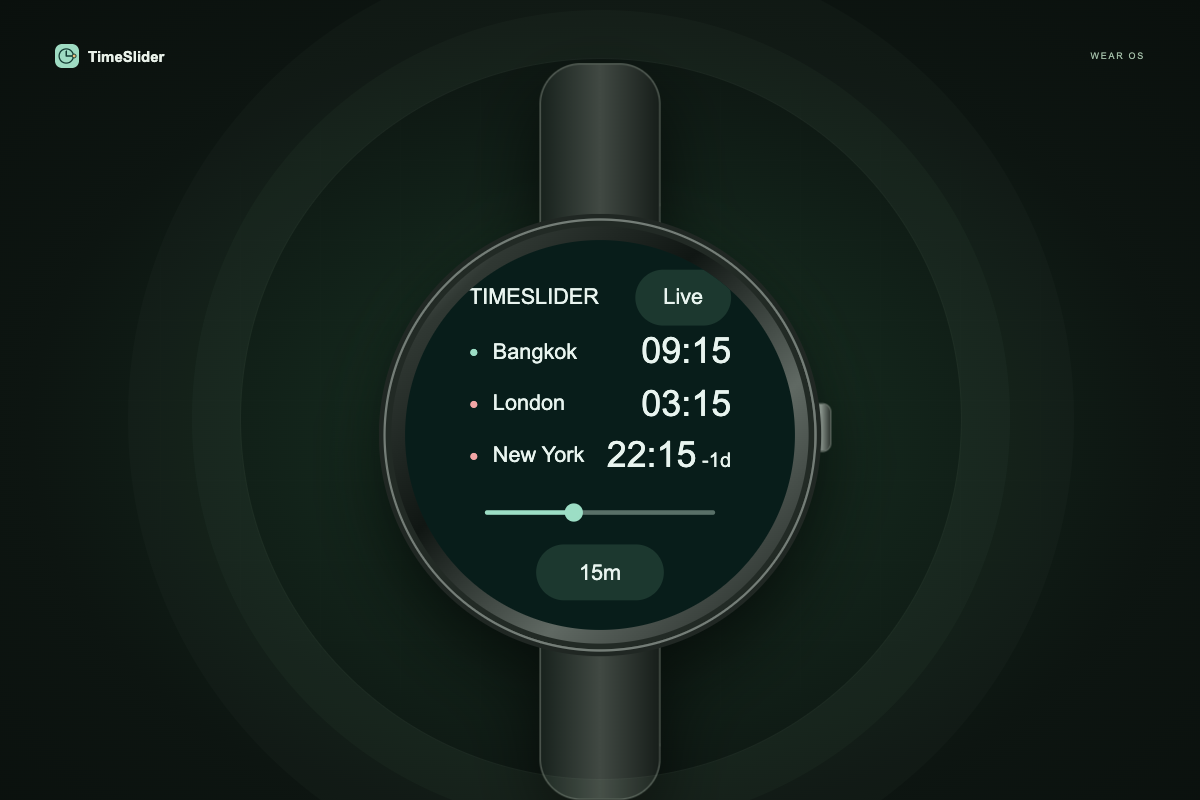
Three city clocks and one touch timeline. Use a supported crown or bezel, with 15-minute, 30-minute or hourly scanning.
Setup & availability Development companion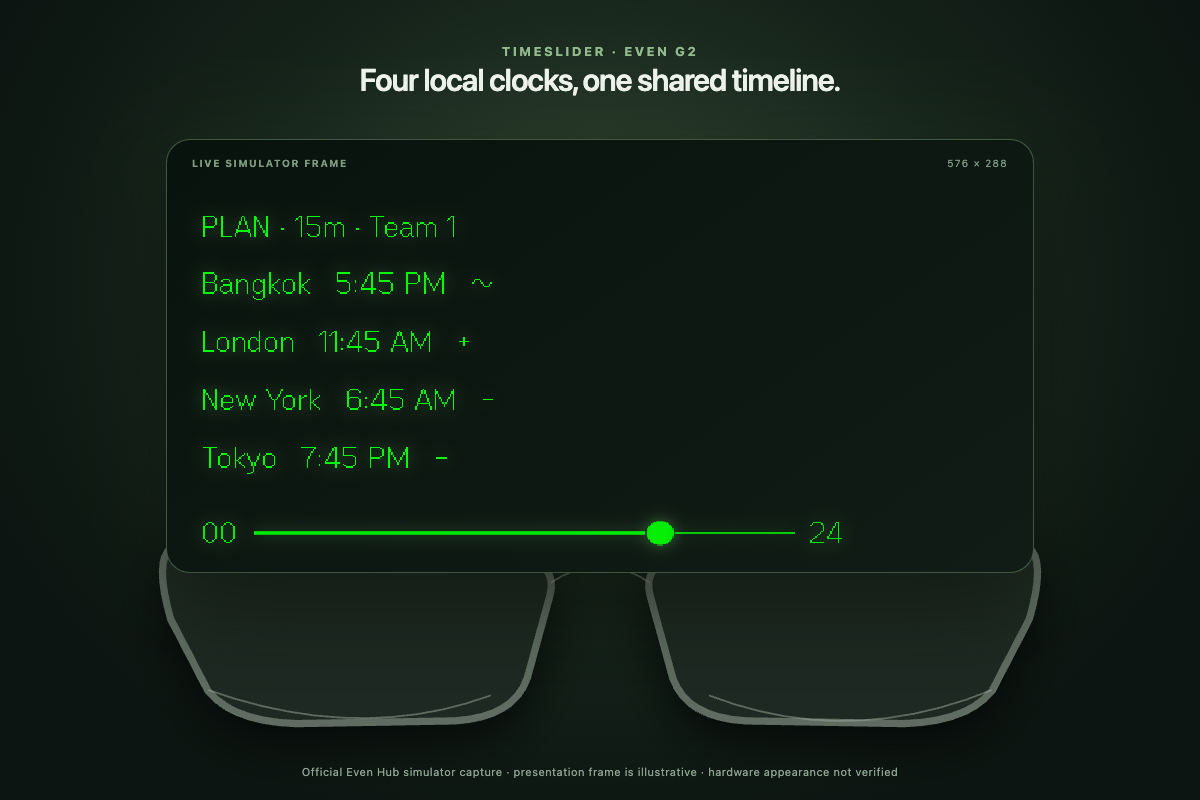
Your group’s clocks on a minimal green display. Swipe to scan time, see availability symbols and find a shared meeting time.
Setup & availability Development web app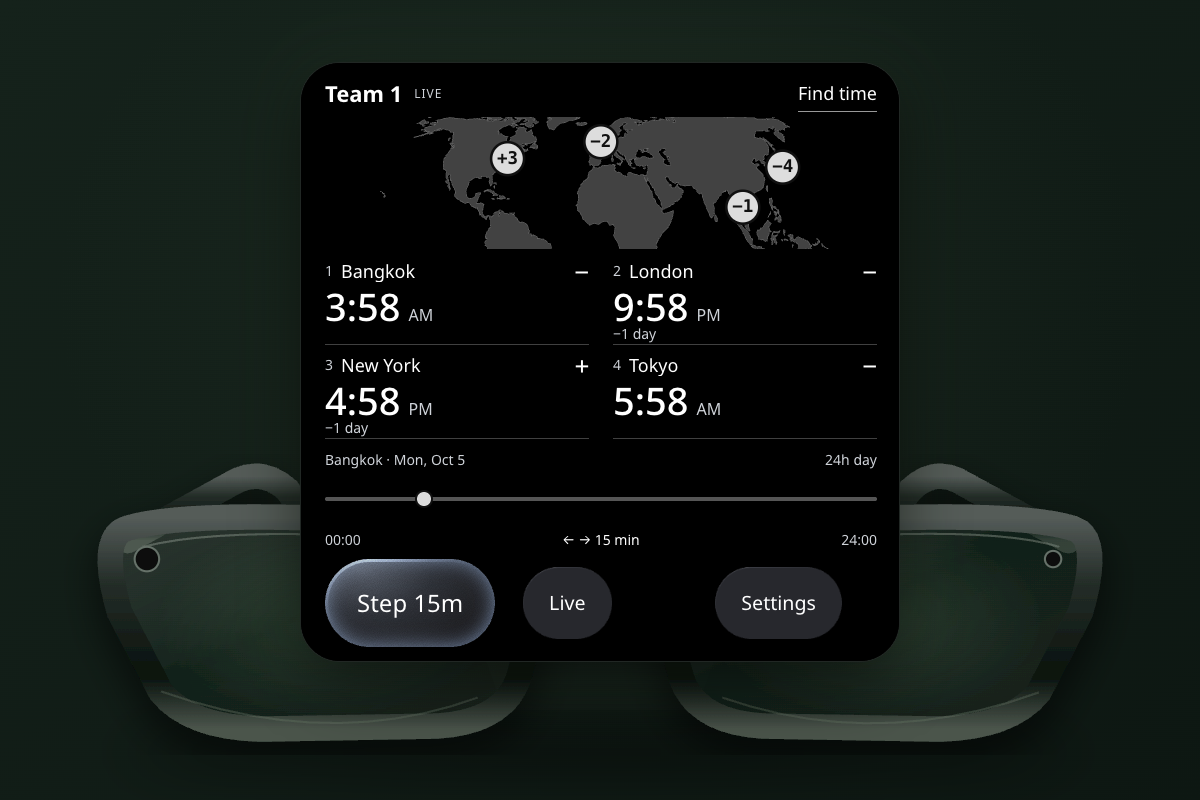
Your group’s clocks, a horizontal map and one timeline. Drag to scan time and find a shared meeting slot; manage people in settings.
Setup & availability Development builds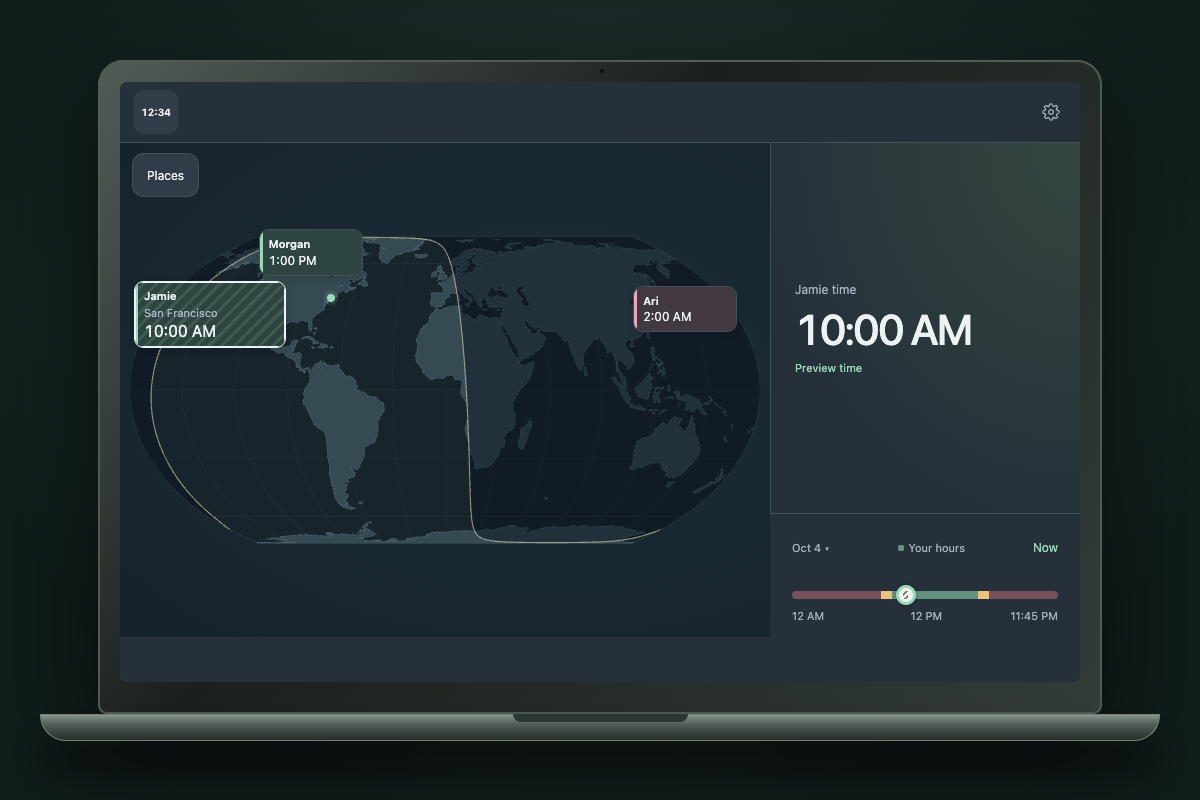
Menu-bar or tray clocks, a floating planner and offline city search. macOS also has native widgets.
Setup & availability Development builds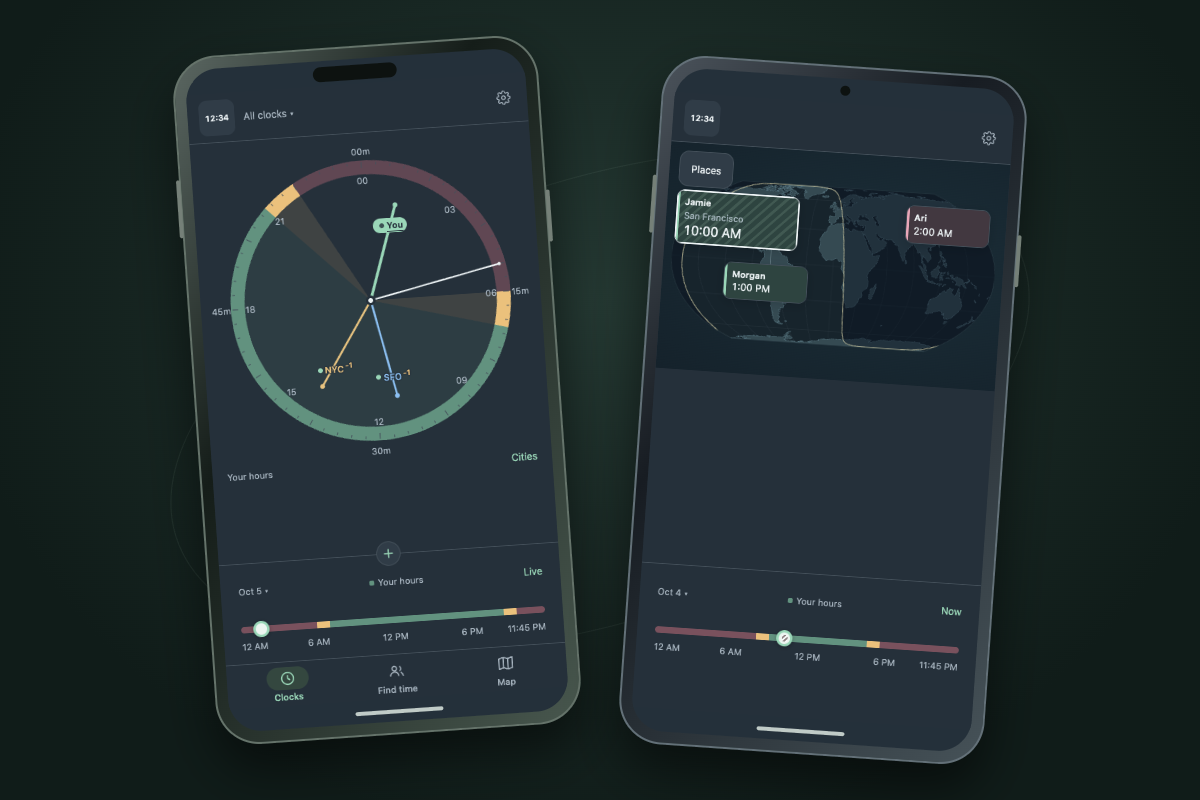
Offline clocks, map planning and optional calendar context on phones and tablets.
Setup & availabilityNo public store downloads yet. Each platform has setup instructions; reviewed download links will appear here when releases are available.
Platform marks identify compatibility. The Android robot is reproduced from work created and shared by Google and used according to terms described in the Creative Commons 3.0 Attribution License.
HOWARD DONDRELL · POWERED BY TIMESLIDER
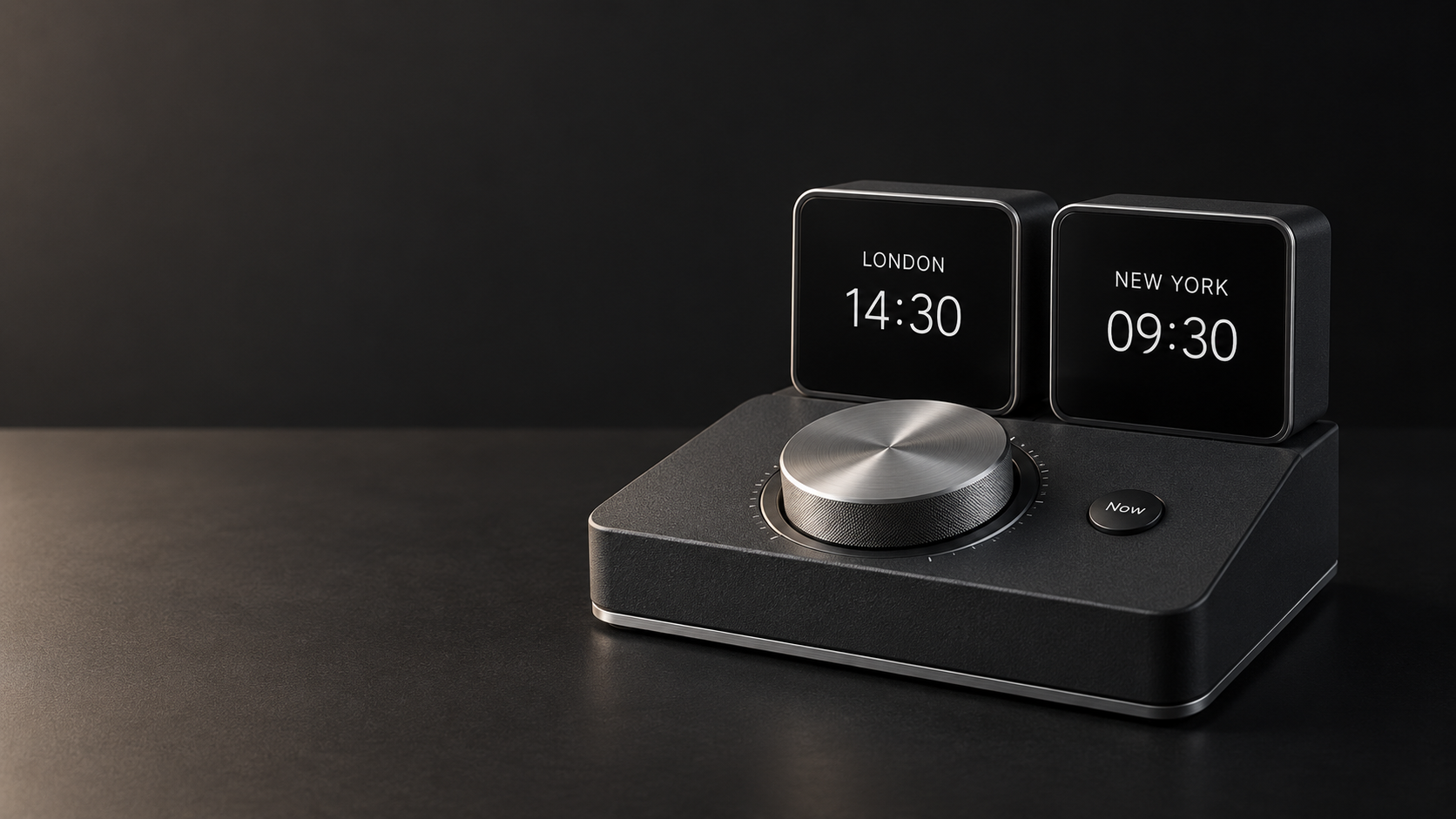
An endless dial. A fingertip slider. A clock for each person. Howard Dondrell explores how the TimeSlider idea could take physical form.
Explore the hardware conceptsSix concept directions. Hardware is not available to order; the public waitlist opens later.
TIMESLIDER SOFTWARE · FREE & PRO
Your local clock and two cities are free. Pro is a one-time purchase for the people and planning tools beyond that.
FREE
Your local clock and two saved cities.
PRO · ONE-TIME PURCHASE
Everything in Free, plus planning around your people.
Product preview. Nothing is on sale yet: all builds are in development, the launch price is planned and may differ by store and region, and no checkout is connected to this website.
TIME WELL SPENT.
TimeSlider is in development. Store availability will be announced when releases are ready.